Live Timing Poster Creator
How it works
1. Get your event link
Open the Time Drops Live Timing app or website, go to Recent Meets, and copy the Share link.
(Note: If this is your first time accessing the meet, you’ll need the meet PIN).
2. Fill in the form
Enter your Meet Name, paste the Meet Link, and select your preferred design Template.
3. Receive your artwork
Enter your email address and click Submit. We’ll email you a link to download your customised artwork.
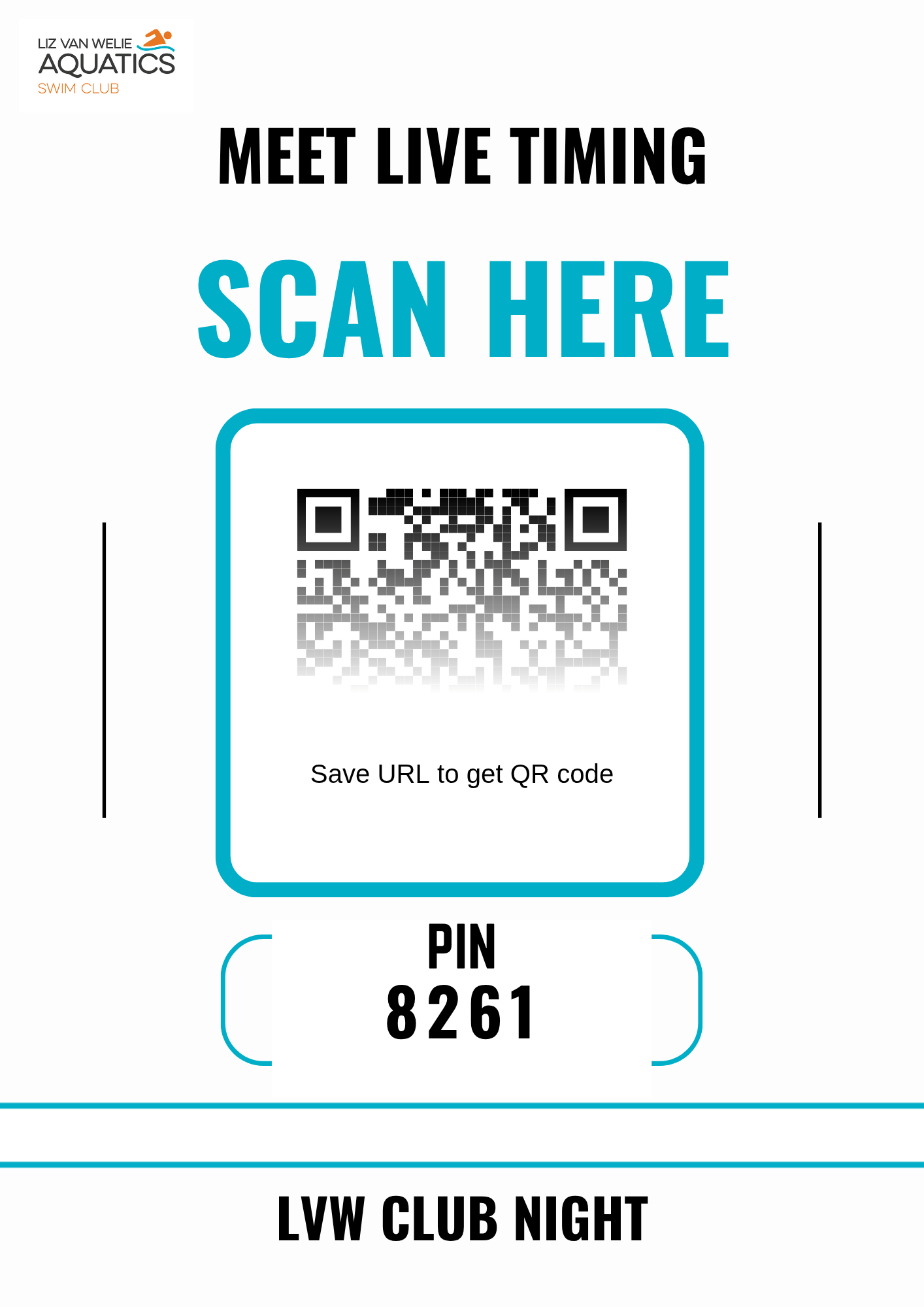
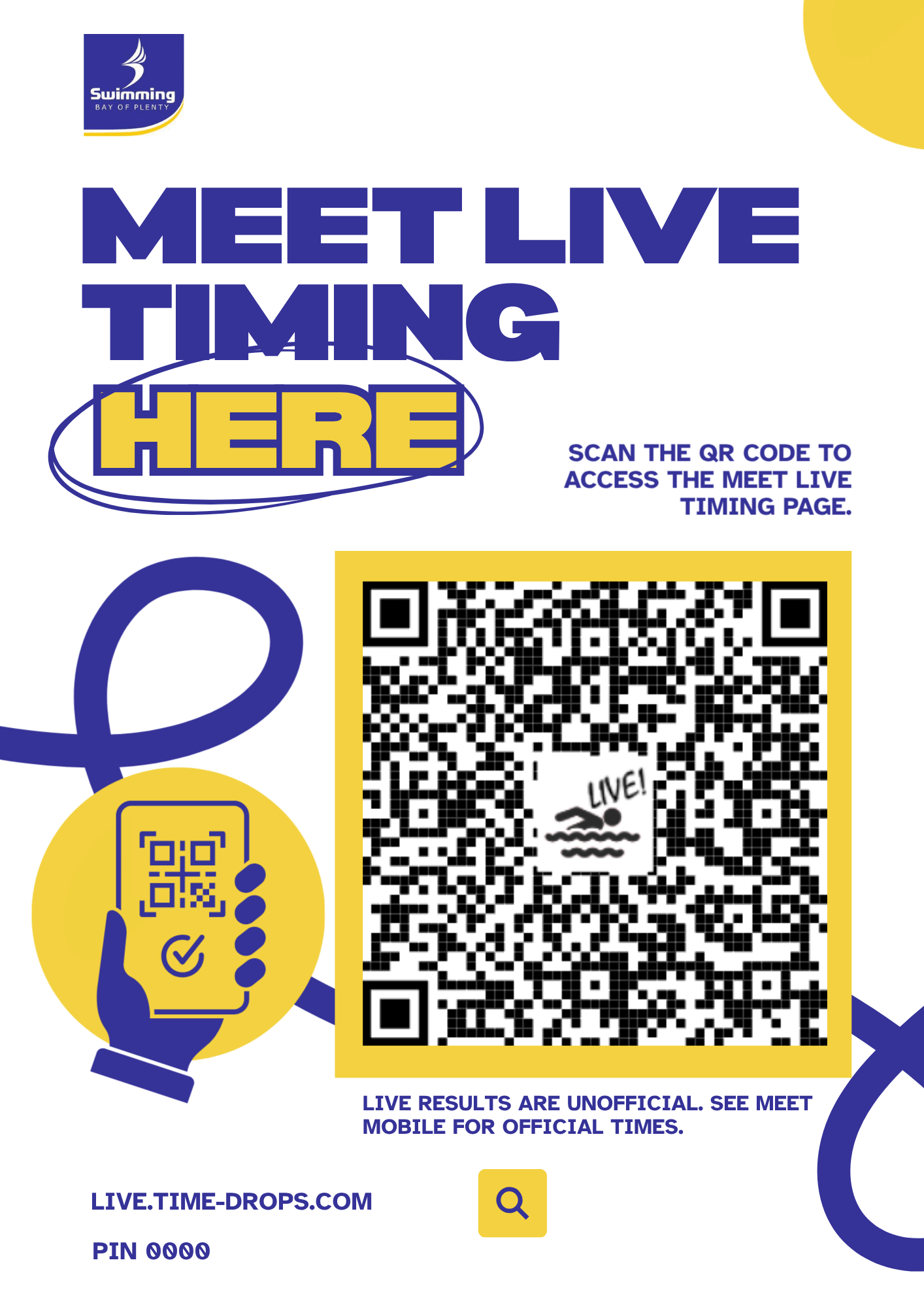
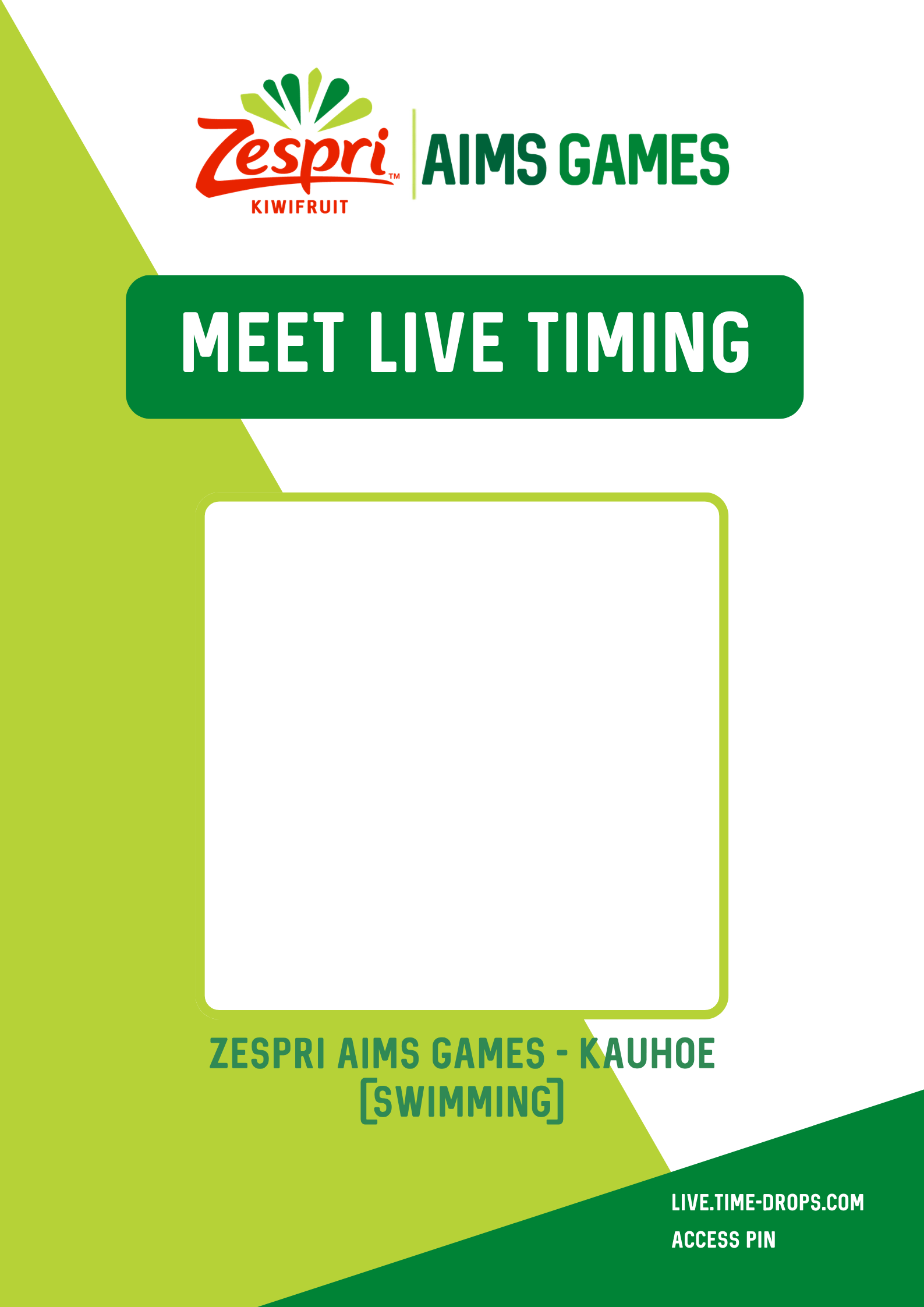
Templates Available